
Here is a fact that surprises most people: GPS does not need the internet. It does not need cell service. It does not need Wi-Fi. The satellites that power GPS positioning broadcast their signals directly to your phone, completely independent of any terrestrial network. This means you can walk into a remote field with zero bars of cell signal, open LandLens, and measure land area and distance with full GPS accuracy.
Yet the misconception persists. Search forums and you will find countless questions: "Does GPS work without internet?" "Do I need cell service to use GPS?" "Will my phone GPS work in airplane mode?" The answer to all of these is yes. But there are nuances to how your phone handles mapping and data that are worth understanding before you head into the field.
GPS Does Not Need the Internet
📡 Key Fact: GPS is Satellite-Based
Your phone receives signals directly from 31+ GPS satellites orbiting Earth. No cell towers, Wi-Fi, or internet required for positioning.
GPS works in airplane mode ✓ Works in dead zones ✓ Works anywhere on Earth
This is the single most important thing to understand, and it is worth explaining why.
The Global Positioning System consists of at least 31 satellites orbiting Earth at approximately 20,200 kilometers altitude. Each satellite continuously broadcasts radio signals containing two critical pieces of information: the satellite's precise position in orbit and the exact time the signal was transmitted, measured by onboard atomic clocks accurate to nanoseconds.
Your phone's GNSS chip receives these signals through its built-in antenna, the same way a radio receives FM broadcasts. No return signal is sent. No internet connection is involved. No cell tower is consulted. The phone listens to the satellites, measures how long each signal took to arrive, multiplies by the speed of light to calculate the distance to each satellite, and uses trilateration across four or more satellites to determine your latitude, longitude, and altitude.
This entire process happens inside your phone's hardware. It is a one-way, receive-only system. The satellites do not know you exist. GPS is, by design, a completely passive and independent positioning system.
So why do people think GPS needs the internet? Two reasons. First, most people experience GPS through apps like Google Maps, which need internet to download map tiles and calculate routes. When the map goes blank in a dead zone, it feels like "GPS stopped working," but what actually stopped was the map download, not the positioning. Second, phones use Assisted GPS (A-GPS), which downloads satellite orbit data from the internet to speed up the initial position fix. Without A-GPS, the fix takes longer but still works perfectly.
What Works Offline in LandLens
Because GPS positioning is independent of internet connectivity, the core measurement features work fully offline. Here is exactly what you can do with no cell signal and no Wi-Fi.
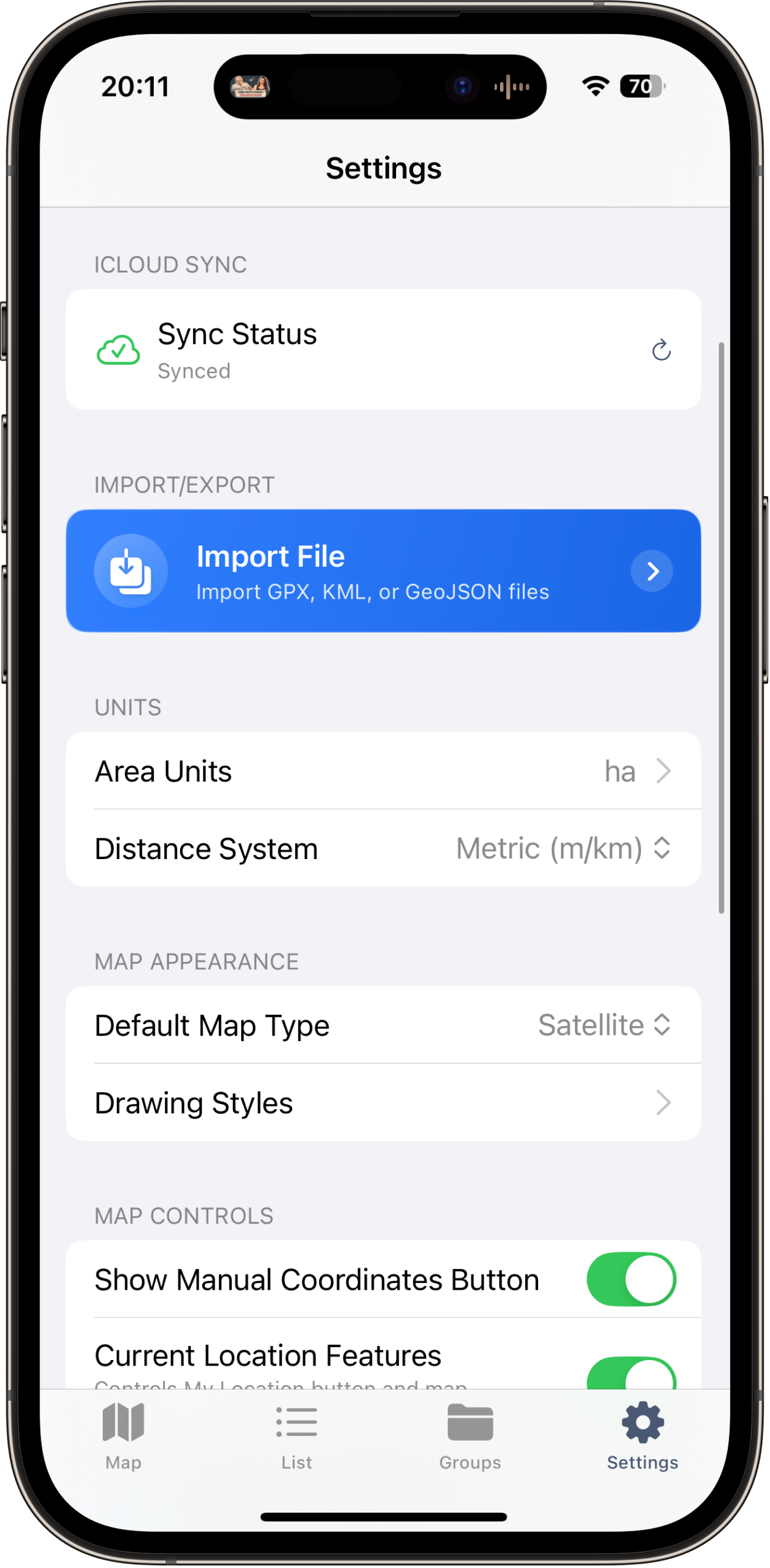
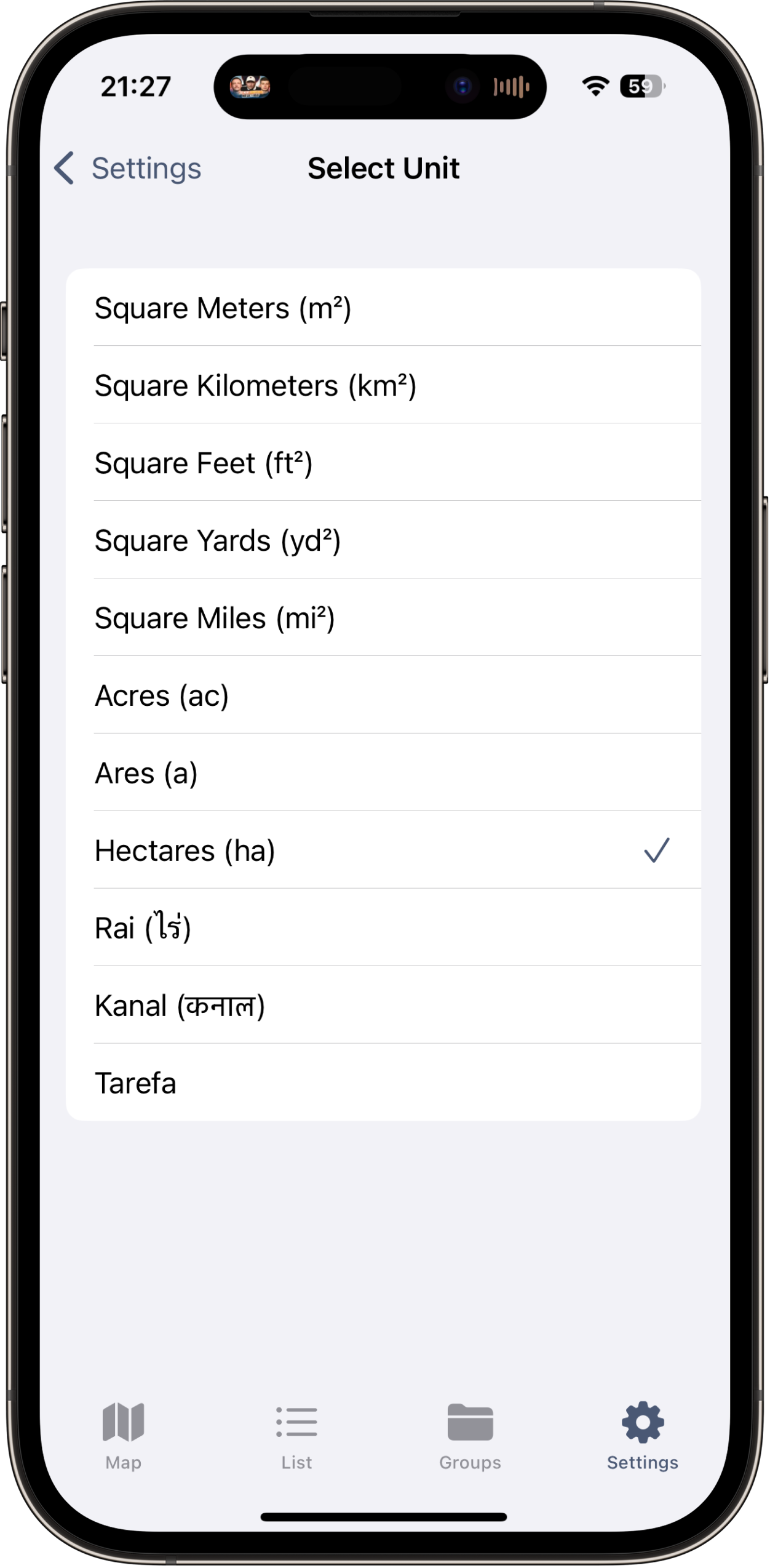
GPS-based area measurement. Walk a field boundary using GPS tracking mode and the app records your path and calculates the enclosed area. You can also place points manually. Area calculation, perimeter measurement, and all unit conversions happen locally on your device.
Distance measurement. Measuring distances between points works identically offline. Drop pins along a fence line, path, or road, and the total distance and each segment length are calculated using GPS coordinates alone.
Marker placement. Drop markers at specific GPS locations to record corners, gates, wells, or any feature you want to document. Each marker stores its coordinates with full precision regardless of network status.
Saving and organizing. All measurements are saved to local storage. Nothing is sent to a cloud server. You can browse, search, and review saved data, create folders, and organize measurements entirely offline.
What Needs Internet
While GPS positioning and measurement are fully offline, certain features do rely on a network connection.
Satellite map imagery. The high-resolution aerial photos that form the map background are downloaded from servers. If you have never viewed a particular area before, the map will appear blank in that region when offline. However, map tiles you have previously viewed are cached on your device and will display offline. This is the most important thing to prepare for before offline fieldwork.
Location search. Searching for an address or place name requires an internet connection because the geocoding service runs on external servers. The workaround is simple: navigate to your target area before losing connectivity.
Sharing exports. While measurements are saved locally, emailing an export file or uploading to cloud storage requires a connection. You can generate export files offline and share them later.
How to Prepare for Offline Fieldwork
The difference between a smooth offline experience and a frustrating one comes down to preparation.
Watch how GPS measurement works without internet connection
Step 1: Pre-Cache Map Tiles
This is the most important step. While connected to Wi-Fi, open LandLens and navigate to the area where you will be working. Zoom in to maximum detail and slowly pan across the entire work area. As you view each section, the satellite imagery tiles are downloaded and cached. Cover the full extent of where you expect to work, plus buffer around the edges.
Spend at least 2-3 minutes slowly browsing at high zoom. Do not rush -- quick panning may skip tiles. Zoom in and out through several levels so you have imagery cached at different scales. For a large property, systematically sweep across it in strips to ensure complete coverage.
Step 2: Charge Your Phone and Bring a Battery Pack
GPS is one of the more power-hungry phone functions because the GNSS receiver must run continuously while tracking. Start with a full charge. For a long day in the field, a 10,000 mAh portable charger will effectively double your phone's field time.
Step 3: Enable Airplane Mode
When your phone has no signal, it aggressively searches for cell towers, which drains battery fast. Enable Airplane Mode to stop this constant search. GPS continues to function in Airplane Mode because it is a receive-only system independent of the cellular radio. This single step can significantly extend your battery life in the field.
Step 4: Download Reference Materials
If you need property documents, plat maps, or parcel data during fieldwork, download or screenshot these before leaving connectivity.
Satellite imagery cached for offline use
Measuring fields with no internet
📋 Offline Preparation Checklist
- ✓ Pre-cache satellite imagery for work area (2-3 min)
- ✓ Fully charge phone
- ✓ Bring portable battery pack (10,000+ mAh)
- ✓ Enable airplane mode to save battery
- ✓ Download/screenshot reference docs
- ✓ Allow 1-2 min for initial GPS fix
Tips for Best GPS Performance Without Cell Signal
When you are offline, one thing changes: Assisted GPS is unavailable. Understanding what this means helps you adapt your workflow.
Expect a Slower Initial Fix
Normally, A-GPS downloads satellite orbit data from network servers, producing a position fix in 2-5 seconds. Without A-GPS, the phone must download this data directly from the satellite signals, which broadcast on a 30-second cycle. A cold-start fix takes 30 seconds to 2 minutes. Be patient. Open the app a few minutes before you need to start and let the GPS settle. You will see the GPS accuracy indicator improve as the phone acquires more satellites.
Keep a Clear View of the Sky
This matters more offline because A-GPS is not helping the receiver find weak signals. Stand in the most open area available during the initial acquisition. Once the phone has a solid fix with multiple satellites, it becomes more tolerant of partial obstructions.
Let the Fix Stabilize
After the initial position lock, give the GPS another 30-60 seconds to stabilize. The first fix is often the least accurate. Watch the accuracy indicator. When it settles to a consistent value, ideally 3 meters or better in open sky, you are ready to start measuring.
Walk Steadily When Tracking
In GPS tracking mode, maintain a steady pace. At corners or important boundary features, pause for 3-5 seconds to let the GPS record a clean point before changing direction.
Common Offline Scenarios
Offline GPS measurement is not an edge case. For many users, it is the primary way they work.
Remote Farm Fields
Agricultural land is often far from cell towers. Farmers pre-cache their entire operation on Wi-Fi at home, then spend all day measuring field boundaries, waterways, and buffer strips without ever needing a signal.
Backcountry Property
Recreational land, timber tracts, hunting leases, and rural parcels frequently have zero cell coverage. A prospective buyer evaluating a wooded property or a landowner documenting timber stand boundaries needs offline GPS capability.
International Travel Without a Local SIM
When traveling internationally, you may not have a local SIM card or may want to avoid roaming charges. With Airplane Mode enabled, LandLens measures and records land data in any country without any cellular plan. Pre-cache the map area on hotel Wi-Fi before heading to the site.
Rural Construction Sites
New construction on rural lots often precedes cell tower installation. Site managers need lot dimensions, building placement plans, and material quantity estimates. Offline GPS measurement gives them working numbers on day one.
Exporting Data Later
Your offline measurements are permanently stored on your device, ready to export your data whenever you return to connectivity.
Save now, export later. Every measurement recorded offline is stored with full coordinate precision. Nothing is lost or degraded by being offline. When you return to coverage, your data is exactly as you captured it.
Generate exports offline. KML, GeoJSON, PDF, and Shapefile exports are generated entirely on-device without contacting any server. What you cannot do offline is share that file via email or upload. But you can generate it and have it ready to send the moment you reconnect.
PDF reports with maps. The PDF export includes a map snapshot. If you pre-cached the satellite imagery, the PDF will include the satellite background even when generated offline. If the imagery was not cached, measurement data, coordinates, and calculations are still complete and accurate.
Frequently Asked Questions
Does GPS need Wi-Fi to work?
No. GPS is a satellite-based system that operates independently of Wi-Fi. Your phone receives signals directly from orbiting satellites. Wi-Fi can assist GPS with faster initial fixes, but it is not required. GPS works identically whether Wi-Fi is on, off, or unavailable.
Does GPS need cell signal to work?
No. GPS and cellular are completely separate systems using different frequencies and infrastructure. Your phone can have zero bars and still get a precise GPS fix. Cell connectivity only provides A-GPS data, which speeds up the initial fix but is not necessary.
Does GPS work in Airplane Mode?
Yes. Airplane Mode disables cellular, Wi-Fi, and Bluetooth radios, but the GPS receiver continues to function on all iPhones and iPads with GPS hardware. Airplane Mode is the recommended setting for offline fieldwork because it stops battery-draining cell tower searches while keeping GPS operational.
How accurate is GPS without internet?
Once the GPS has acquired a full satellite fix, accuracy is essentially the same whether you are online or offline. In open-sky conditions, expect 1-3 meters horizontal accuracy from a modern dual-frequency iPhone. The only difference is the initial fix takes 30 seconds to 2 minutes longer without A-GPS. After acquisition, accuracy is identical.
Will my saved measurements be lost if I am offline?
No. All measurements are saved to local on-device storage. Measurements saved offline persist through app restarts, phone restarts, and any duration without connectivity.
Can I use LandLens on a Wi-Fi-only iPad?
Wi-Fi-only iPads do not include a GPS chip. iPad models with cellular capability include a true GPS receiver that works offline. You do not need an active cellular plan since the GPS hardware works independently of the subscription.
What if I forgot to cache the map tiles?
GPS measurement still works perfectly. You will see your position and recorded points on a blank background rather than satellite imagery. Area and distance calculations are based entirely on GPS coordinates and are unaffected by whether map imagery is displayed. When you return to connectivity, the imagery will load and your measurements will appear on the satellite view.
The Bottom Line
GPS is a satellite system, not an internet service. This fundamental fact means that LandLens works as a fully capable land measurement tool in the most remote locations on Earth, as long as you have a view of the sky. No cell tower, Wi-Fi network, or internet connection is needed for the core task of measuring land.
The key to a smooth offline experience is preparation: pre-cache your map imagery, charge your device, enable Airplane Mode, and give the GPS a minute or two to acquire satellites. Once you have a fix, you will measure with the same accuracy as if you were standing next to a cell tower. Your data is safe on your device no matter how far from civilization you are working.
Related tools & guides
Try LandLens free
Measure any land area, distance, or perimeter with your iPhone, iPad or Android phone. No equipment needed.
Share Your Feedback
Help us build a better LandLens. Request features, report bugs, or tell us what you think.